













The Conversation (0)
Jake Brigstock
Aug 14, 2026
Related Video: Do You Know the Real Sizes of Pokemon?
CNET - Vertical / VideoElephant
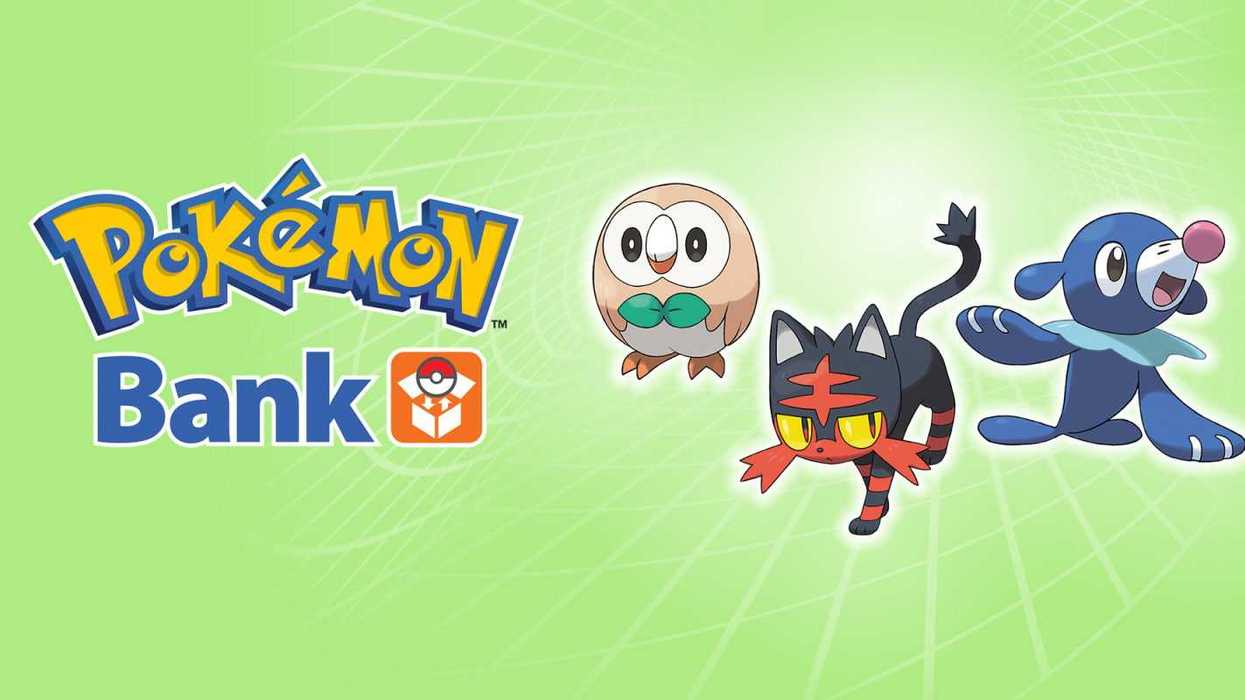
Nintendo has confirmed Pokemon Bank will be shutting down for good and loads of fans have been reacting to the news online, with one describing it as an "end of an era".
Pokemon Bank is an app accessible on Nintendo 3DS and 2DS systems which is a Pokemon transfer hub.
If players capture Pokemon on a game playable on 3DS or 2DS and want to transfer them to another game available on the platform, such as having Pokemon on Pokemon X / Y and wanting to have those captures moved into Pokemon Sun / Moon, then players can upload them to Pokemon Bank and download those Pokemon to the new game. Transfers could be made from certain DS titles into Bank too.
Integration with Pokemon HOME was also introduced, meaning Pokemon captured from 3DS and 2DS titles could be accessible on more recent generations of Pokemon games and hardware.
But Pokemon Bank shutting down on 25 February 2027 at 7pm PT means players only have a limited time before they won't be able to move their older Pokemon collections to newer games - otherwise they will have to stay where they are for good.
What have people been saying about Nintendo shutting down Pokemon Bank?
There has been a lot of reaction to the announcement online, with prominent Nintendo leaker CentroLeaks describing it as "an end of an era".
Another account said: "HOW DOES IT KEEP GETTING WORSE."
"The Pokemon Company tying transfer to a server is just stupid as hell in the long run," one declared.
Another agreed: "Not everything should be a subscription service."
However one countered: "Anyone complaining about Pokemon Bank shutting down clearly doesn't play Pokemon. They made the shift over to Pokemon HOME ages ago."
And another posted: "This sucks but was inevitable. It'll have been a four year grace period they have given us of it being free with a 'get things out while you can'. Unfortunately these servers can't stay up forever."
How can I access Pokemon Bank?
Pokemon Bank is an app that's accessible on Nintendo 3DS and 2DS systems. However as the eShop for 3DS and 2DS consoles was shut down, Pokemon Bank can only be accessed by accounts that had already linked to the service.
That means players who already accessed Pokemon Bank will be able to use it but it's not available to accounts that have not previously accessed the app.
How do I transfer my Pokemon from Pokemon Bank to Pokemon HOME?
The Nintendo Switch version of Pokemon HOME is required, along with a Pokemon Home Premium Plan subscription.
Pokemon Bank transfers can happen with or without a 3DS or 2DS console - as long as the Bank and HOME accounts are linked to the same Nintendo Account name.
Without a 3DS or 2DS, in HOME click the 3DS icon and choose 'No Nintendo 3DS option'. HOME will then search for a Bank account under the same Nintendo Account name and if there is one, it will transfer all of the Pokemon uploaded to Bank over to HOME.
With a 3DS or 2DS, Bank needs to be downloaded where players will be able to access the PC boxes of the game cartridge inserted. Once it's updated to the latest version, Pokemon can be cherry picked or players can move over all of them if they want to.
Then, on HOME, click the 3DS icon and choose 'Begin Move'. A code will then be generated to use in Bank. Insert that and the transfer will begin. Different Nintendo Accounts can be used to do this. Pokemon cannot be transferred back to Bank afterwards.
These Pokemon can then be transferred from Pokemon HOME into select Pokemon games on Nintendo Switch.
Elsewhere from Indy100:
- Pokemon Sapphire / Ruby / Emerald Nintendo Switch ports release date 'revealed'
- New Pokemon leak reveals early monster designs - and ones that never made it
How to join the Indy100's free WhatsApp channel
Sign up to our free Indy100 weekly newsletter
Have your say in our news democracy. Click the upvote icon at the top of the page to help raise this article through the Indy100 rankings.